Essential Camera Training Examples for Beginners Learning Photography
Recent Trends
Over the past few years, the landscape of beginner photography education has shifted noticeably. Mirrorless cameras with real-time exposure previews and smartphone camera apps that simulate manual controls have made it easier for newcomers to practice without immediate risk. Online platforms now offer structured "training examples" — step-by-step exercises that isolate one variable at a time, such as aperture, shutter speed, or ISO. Social media communities also share short video demonstrations that break down common shooting scenarios. These trends emphasize practical, repeatable drills rather than theoretical explanations.
Background
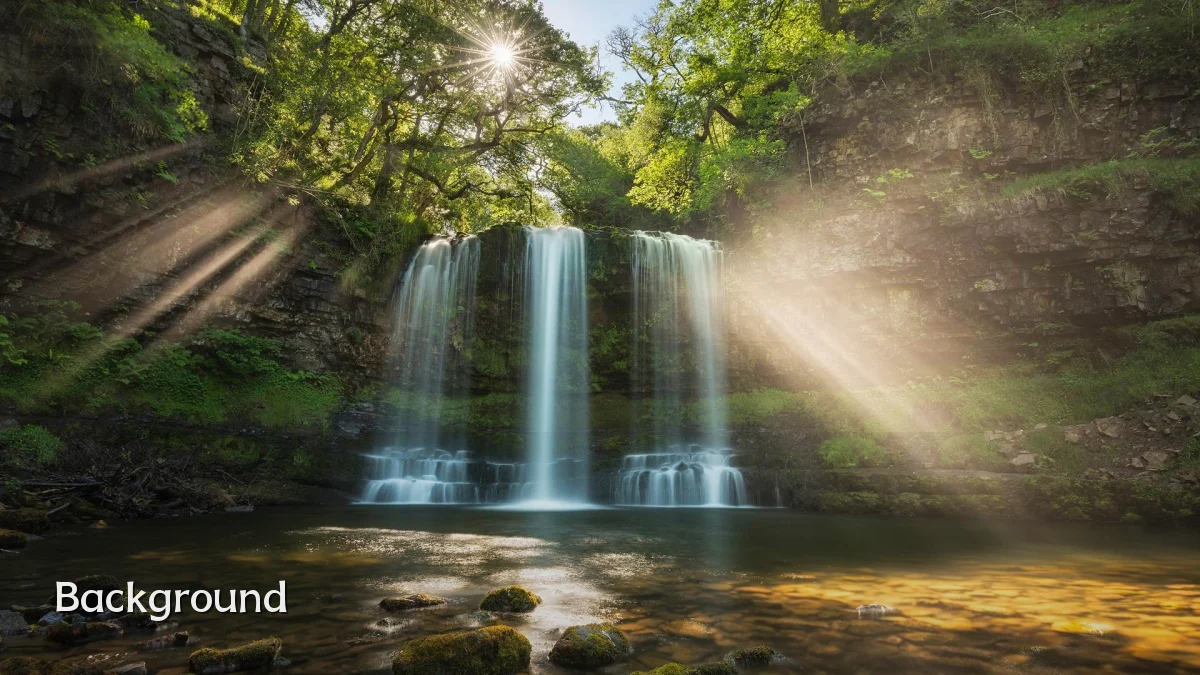
Traditional camera training for beginners has long relied on a set of classic exercises: the "aperture priority walk" (shooting a static subject at different f-stops), "shutter speed freeze test" (capturing moving water or pedestrians at various speeds), and "ISO noise challenge" (taking the same scene indoors and outdoors at different sensitivities). These examples aim to build muscle memory for adjusting settings quickly. More recently, instructors have added focus stack drills, white balance matching, and exposure triangle workouts. The core idea remains unchanged: isolate one setting, vary it methodically, and review results.
User Concerns
- Overwhelm from choice – Beginners report difficulty selecting which training examples will actually accelerate their learning. Many free resources exist, but quality and structure vary.
- Lack of real-time feedback – Without an experienced mentor or immediate histogram/chart, users may not understand why a particular setting produced a bad result.
- Fear of "wasting" time – Some worry that spending hours on isolated drills (e.g., shutter speed only) delays them from taking "real" photos.
- Equipment limitations – Entry-level cameras may not offer the same control or responsiveness as higher-end models, making some training examples harder to execute.
Likely Impact
When beginners commit to a small set of well-designed training examples — such as a three-exposure triangle sequence or a manual focus distance drill — they tend to grasp technical concepts faster than those who skip straight to auto modes. Structured examples reduce the learning curve from weeks to days for elementary skills like metering and depth of field. However, if examples are too abstract or not tied to common real-world subjects (people, landscapes, pets), retention drops. The most effective impact comes when training examples are paired with a simple critique method, like comparing before/after images or uploading to a feedback forum. Over time, this approach builds confidence and reduces the "auto-everything" dependency that limits creative growth.
What to Watch Next
- AI-assisted training modules – Software that detects common beginner mistakes (blurry, underexposed) and suggests which training example to repeat.
- Interactive camera simulators – Browser-based tools where users adjust virtual settings and see immediate results without needing a physical camera.
- Augmented reality overlays – Camera phone apps that overlay exposure guides onto the live view, functioning as real-time training examples.
- Community-verified "starter packs" – Curated lists of 10–15 drills online that instructors collectively endorse for the first month of photography.